WHOOP workouts automatically earn screen time.
This page documents how lockin. integrates WHOOP workout data inside the app. The integration is optional: users connect WHOOP via OAuth, and workouts are used to calculate minutes earned (1:1 with workout duration) which can then be spent unlocking blocked apps.
End-to-End Flow
Connect WHOOP
User authorizes WHOOP in-app via OAuth (no manual token entry).
Workout Logged
User records a workout in WHOOP as usual.
Sync Triggers
Workouts are fetched and credited; webhook events can trigger a background refresh.
Earned Time
Earned minutes appear on the dashboard and can be used to unlock blocked apps.
Connect Screen (Onboarding)

Users see WHOOP as an optional workout source during onboarding (and later in Settings). After connecting, the row changes state to “Syncing workouts from WHOOP”.
Earn More Time (Auto-Earn)
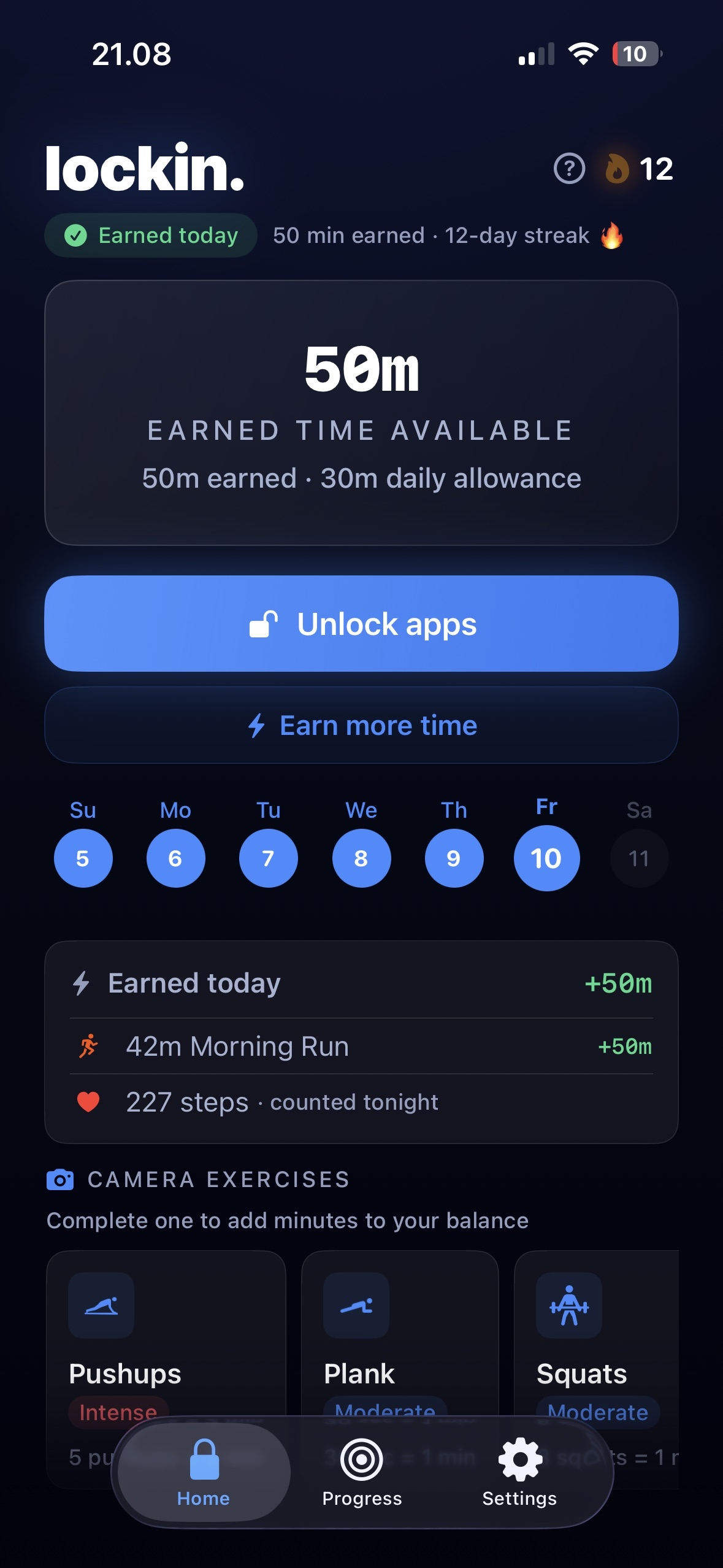
In the “Earn more time” sheet, WHOOP appears under From synced workouts. If WHOOP is connected, workouts contribute minutes automatically (no manual logging). If not connected, tapping the WHOOP row routes the user to Settings to connect.
Connected Devices (Settings)
WHOOP connection is managed in Settings under “Connected devices”. Users can disconnect at any time (revoking access and stopping workout sync/crediting).
Review Synced WHOOP Activity
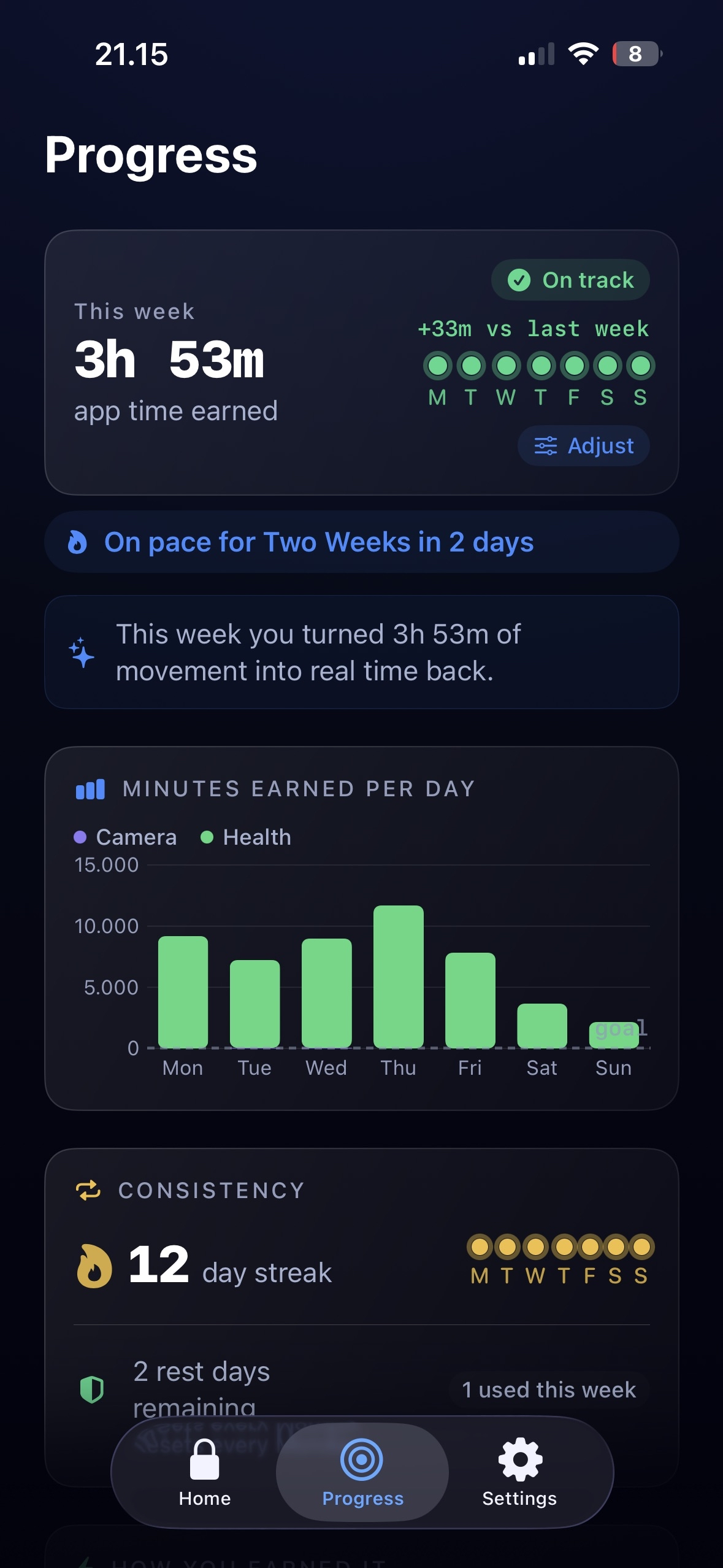
Users can drill into a source-specific activity list (e.g. “WHOOP Activity”) to see the items that were synced and credited toward earned screen time (titles, timestamps, durations, and earned minutes).
Background Sync (Webhooks)
To make crediting timely, lockin. subscribes to WHOOP webhook events for workout.*. When a workout is created/updated,
our backend triggers a silent push to wake the app, which then fetches the latest workout summaries and updates the user’s earned minutes.
Non-workout events (e.g. recovery updates) are ignored.